Match analysis as an API
Send a match video from your own systems and get back the point-by-point score, the key moments, highlight clips and reports. The same API powers the Scenovix web app.
API access is available to early-access partners: contact us.
curl -s -H "$H" -F "file=@match.mp4" -F "preset=fast_preview" \
   -F 'config={"score":{"first_server":"auto"}}' \
   -F "webhook_url=https://example.com/hooks/scenovix" $B/workspaces/$W/analyses
Overview
How the API works
All endpoints live under /api/v1. Requests and responses are JSON, times are ISO 8601 in UTC, and every error uses one envelope with a code and a message.
- 01
Asynchronous jobs
Creating an analysis validates the request and answers 202 Accepted with a job. A 202 means the job will run.
- 02
Three ways to follow
Poll the job, stream progress and each point as it closes with Server-Sent Events, or get a webhook.
- 03
Structured results
Summary, every point, key moments with confidence and review state, clips, the reel and full reports.
- 04
Media you can stream
Videos, clips and reels support HTTP Range requests. Export CSV, JSON, a PDF report or a ZIP of everything.
Authentication
Scoped personal access tokens
Create a token in Settings, API tokens: pick the workspace, the scopes and an expiry. It is shown once. Send it as a bearer token.
- Tokens start with
scx_pat_, so secret scanners can spot a leaked one. - A token works in one workspace and never exceeds your current role there.
- Expiry defaults to 90 days. Revoke a token at any time.
Scopes
- jobs:read
- jobs:create
- jobs:control
- jobs:reanalyze
- jobs:delete
- media:read
- reels:read
- reels:create
- reviews:write
- snapshots:write
- members:read
- audit:read
export B=https://app.scenovix.com/api/v1
export H="Authorization: Bearer scx_pat_..."
export W=<workspace id>

curl -s -H "$H" $B/workspaces/$W/jobs
Create
Start an analysis
Upload a file, give a video URL, connect a live stream or send a batch. The API checks the file, the settings and your quotas first, then answers 202 Accepted with a job.
Optional fields: a preset, a config override, a webhook_url and a name. Creating analyses needs the jobs:create scope.
curl -s -H "$H" -H "Content-Type: application/json" \
-d '{"url": "https://media.example.com/matches/final.mp4", "preset": "broadcast_hd"}' $B/workspaces/$W/analyses/urlcurl -s -H "$H" -H "Content-Type: application/json" \
-d '{"uri": "rtsp://camera.example.com/court1", "max_duration_secs": 600}' $B/workspaces/$W/analyses/stream
curl -s -X POST -H "$H" $B/analyses/<job_id>/stop # graceful: outputs are finalisedFollow
Polling or live progress
Poll the job until its status is completed, failed or cancelled, or open a Server-Sent Events stream.
The stream sends status when the status changes, progress with the job, point as each point closes and a final done. A keep-alive comment arrives every 15 seconds.
curl -s -H "$H" $B/jobs/$ID          # poll every few seconds
curl -s -N -H "$H" $B/jobs/$ID/events/stream # or stream progressevent: status
data: {"id":"00864087edcc","status":"running",...}
event: point
data: {"index":0,"start":1.52,"end":2.92,"score_after":{"games":[0,0],"points":[50,40],...},...}
event: done
data: {"id":"00864087edcc","status":"completed",...}Webhooks
HMAC-signed webhooks
Pass a webhook_url and Scenovix posts to it when the job is completed, failed or cancelled. Each workspace has its own signing secret, created and rotated by an admin.
Headers
- X-Scenovix-Event
- job.completed, job.failed or job.cancelled
- X-Scenovix-Signature
- sha256=<hex HMAC-SHA256 of the raw body with the workspace's webhook secret>
- User-Agent
- Scenovix-Webhook/2
- A failed delivery is retried after 1 and 4 seconds, three attempts in total.
- Webhook URLs must resolve to public addresses. Private, loopback and cloud-metadata targets are refused, and redirects are not followed.
{"event": "job.completed", "job": {"id": "...", "status": "completed", ...}, "summary": {...}, "sent_at": "2026-10-23T19:56:40Z"}import hashlib
import hmac
def valid_signature(body: bytes, header: str, secret: str) -> bool:
expected = "sha256=" + hmac.new(secret.encode(), body, hashlib.sha256).hexdigest()
return hmac.compare_digest(expected, header or "")
# e.g. in Flask: valid_signature(request.get_data(), request.headers["X-Scenovix-Signature"], SECRET)Verify over the exact bytes received, before parsing the JSON.
Reference
OpenAPI 3 reference
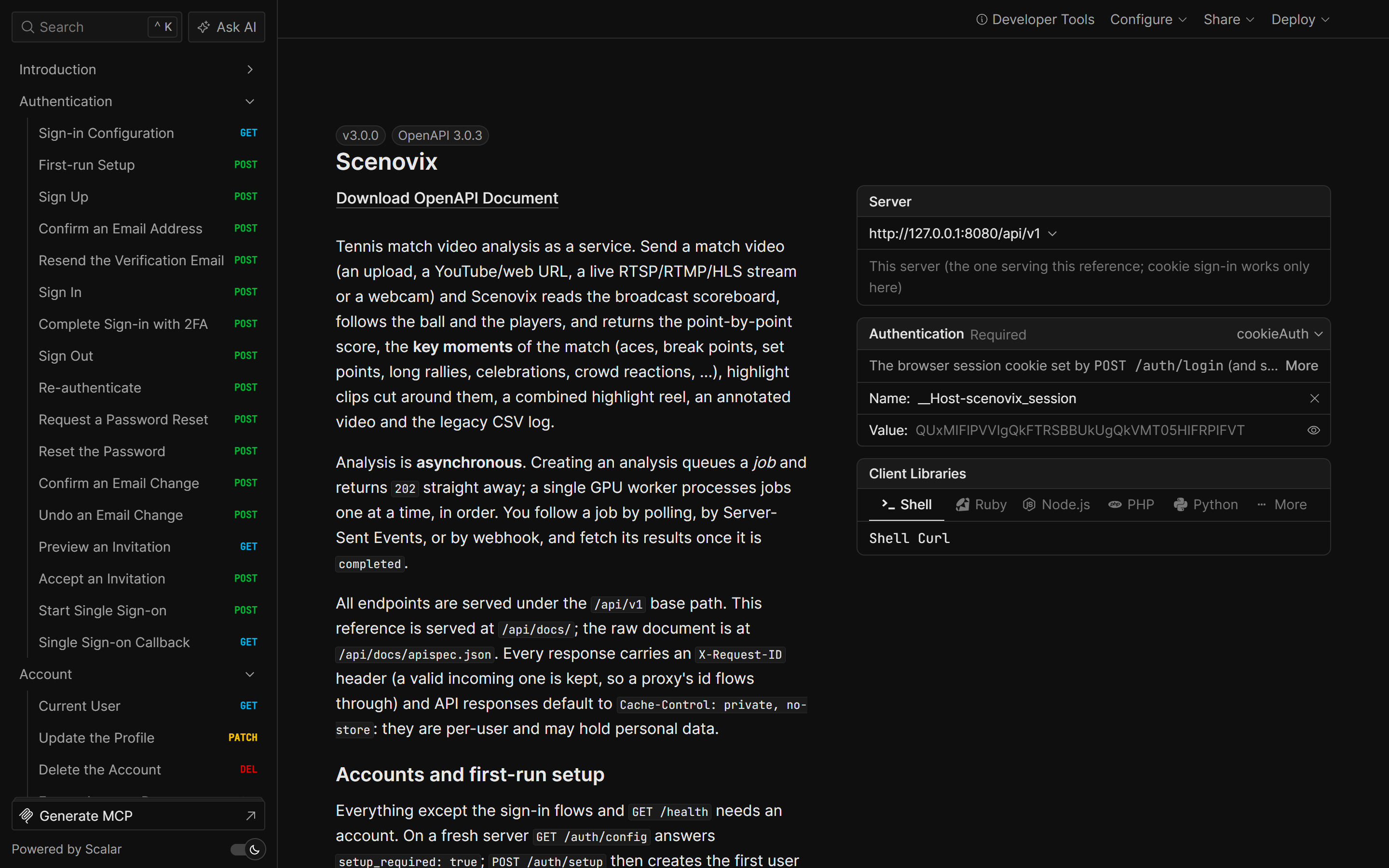
The API is described in a hand-written OpenAPI 3.0.3 document, rendered as an interactive reference inside the app. Contract tests keep the routes, security rules and response schemas in line with it.
POST/workspaces/{workspace_id}/analyses
Upload a video file
POST/workspaces/{workspace_id}/analyses/url
Analyse a video from a URL
POST/workspaces/{workspace_id}/analyses/stream
Analyse a live stream (RTSP, RTMP, SRT, UDP, HLS)
GET/jobs/{job_id}
Job status, stage, progress and live score
GET/jobs/{job_id}/events/stream
Server-Sent Events progress stream
GET/jobs/{job_id}/summary
Players, final score, key figures
GET/jobs/{job_id}/points
Every point with score before and after
GET/jobs/{job_id}/events
Key moments with confidence and review state
PATCH/jobs/{job_id}/events/{event_id}
Accept, reject, re-type or trim a moment
GET/jobs/{job_id}/export?format=pdf
PDF match report (also csv, json, zip)
Build with Scenovix
API access is available to early-access partners: contact us. Partners get the full API guide, including a complete Python example that submits a video, follows the job and downloads the clips.